The Full Tech Stack Behind My Personal AI Brain
In part two, I explained the architecture.
This post is the direct implementation view: the exact stack, what each part does, and how the core flow works end to end.
The Full Stack at a Glance
- Capture: Telegram Bot (primary input), GitHub Webhook (technical notes sync)
- Orchestration: n8n (workflow automation)
- Transcription: OpenAI Whisper (voice to text)
- Classification: GPT-4o-mini (item type + PARA assignment)
- Structured Storage: PostgreSQL on Supabase (system of record)
- Vector Storage: Pinecone (semantic search index)
- Retrieval: GPT-4o (RAG-grounded answers)
- Dashboard: Next.js on Vercel (browse and manage)
n8n — The Orchestration Layer
This is the execution engine. It runs the core workflows:
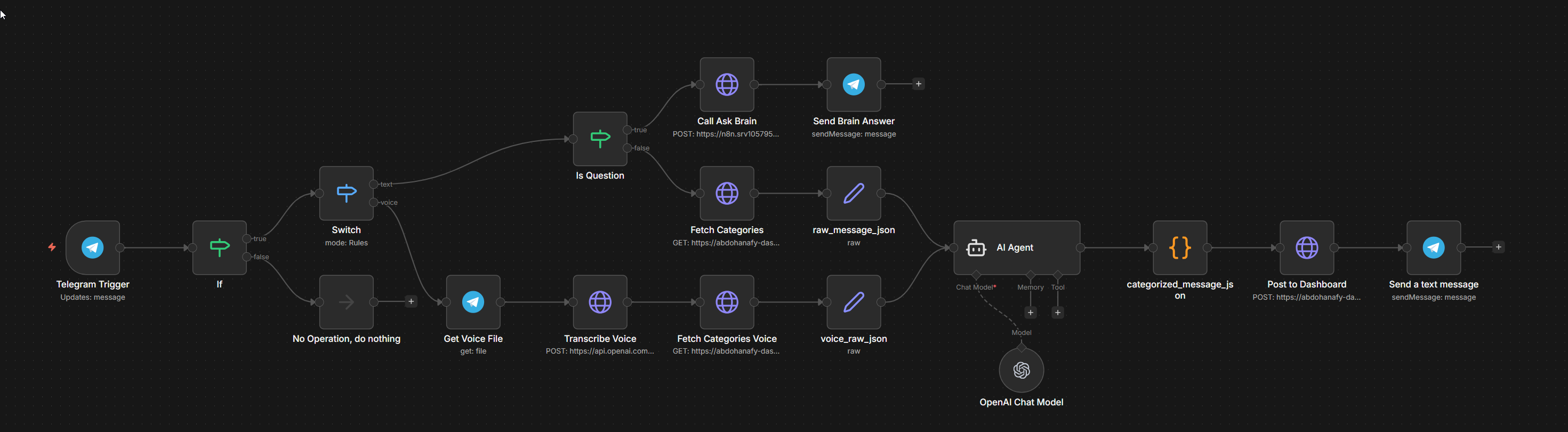
- Brain Ingestion — triggered by Telegram messages; handles Whisper transcription for voice, GPT-4o-mini classification for all messages, PostgreSQL insert, and Telegram confirmation
- Ask Brain — triggered by
?prefix in Telegram; handles Pinecone query, GPT-4o answer generation, Telegram response - Pinecone Sync — scheduled job that finds PostgreSQL items without embeddings and batches them into Pinecone
- GitHub Sync — triggered by GitHub push webhook; reads changed markdown files and upserts them into PostgreSQL
Telegram Bot — The Capture Interface
Telegram is the primary input channel.
I use it for:
- text capture
- voice capture
- quick retrieval queries using
?
The bot is intentionally simple: receive message, forward to n8n.
OpenAI Whisper — Voice to Text
Whisper transcribes Telegram voice messages (.ogg) into text.
That text then enters the same pipeline as normal typed messages.
GPT-4o-mini — The Classification Engine
GPT-4o-mini converts raw capture into structured JSON:
item_type: task / project / area / resourcepara_bucket: Project / Area / Resource / Archivetitle: a concise generated title (5–8 words)context: a short generated summary if the input was long
This response is what gets persisted in the database.
PostgreSQL on Supabase — Structured Storage
PostgreSQL is the system of record.
Every captured item becomes one row with category, bucket, state, content, and metadata.
The core schema is straightforward:
items (
  id, type, para_bucket, title, content,
  source, status, priority, due_date,
  embedded, created_at, updated_at
)
The dashboard reads and writes directly to this database.
Pinecone — The Vector Search Layer
Pinecone stores embeddings for semantic retrieval.
Flow:
- Item is saved in PostgreSQL
- Embedding is generated (
text-embedding-3-small) - Vector is stored in Pinecone
?queries search Pinecone for relevant context
GPT-4o — Retrieval Answering
GPT-4o receives:
- original question
- top matches from Pinecone
It returns a grounded answer based on my own saved context.
Next.js on Vercel — The Dashboard
The dashboard is the control surface for the system.
Core views:
- Command Center — stats (active items, open tasks, PARA distribution), tasks in progress, recently added items, quick search, and Ask Brain chat
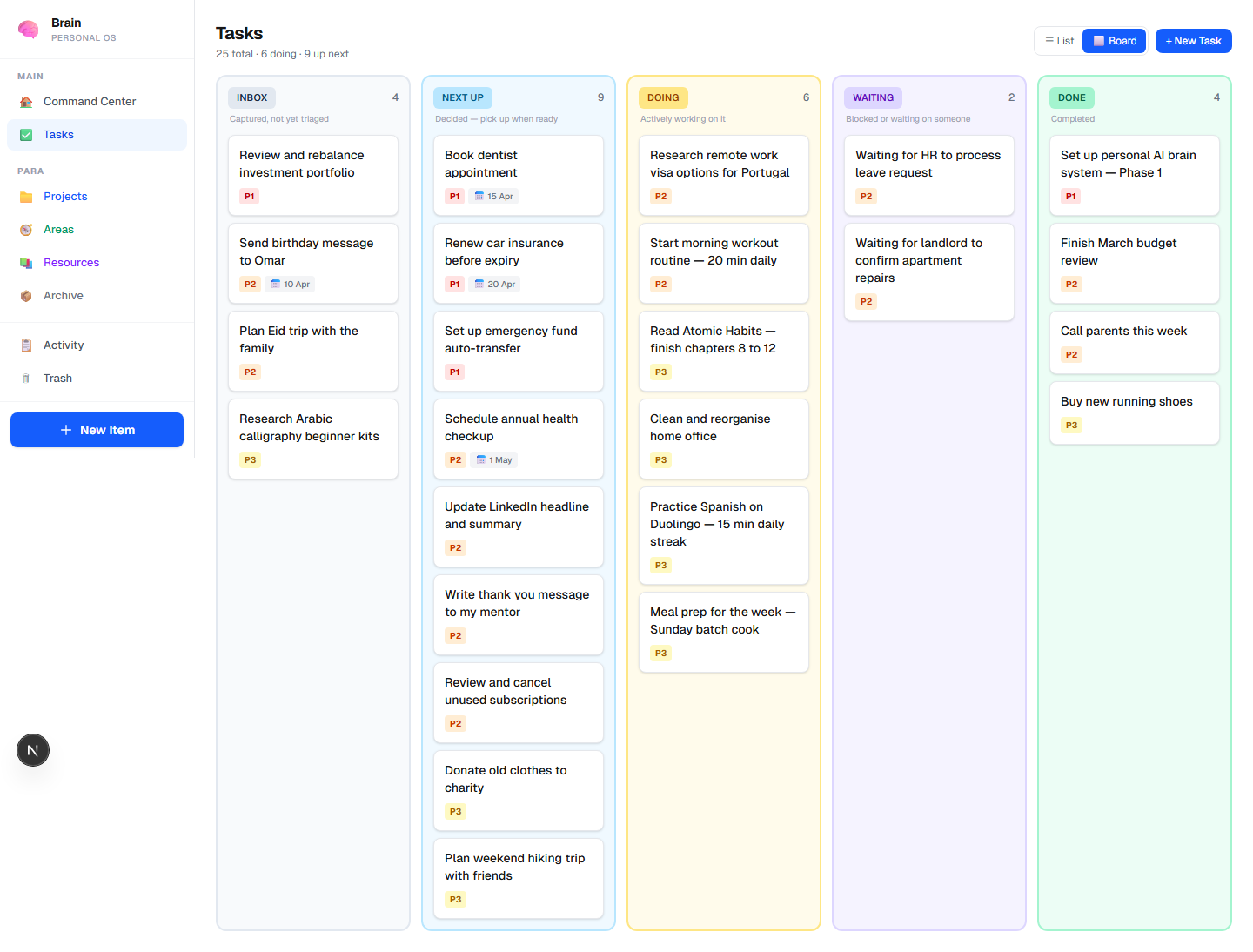
- Task Board — Kanban view across INBOX → NEXT → DOING → WAITING → DONE
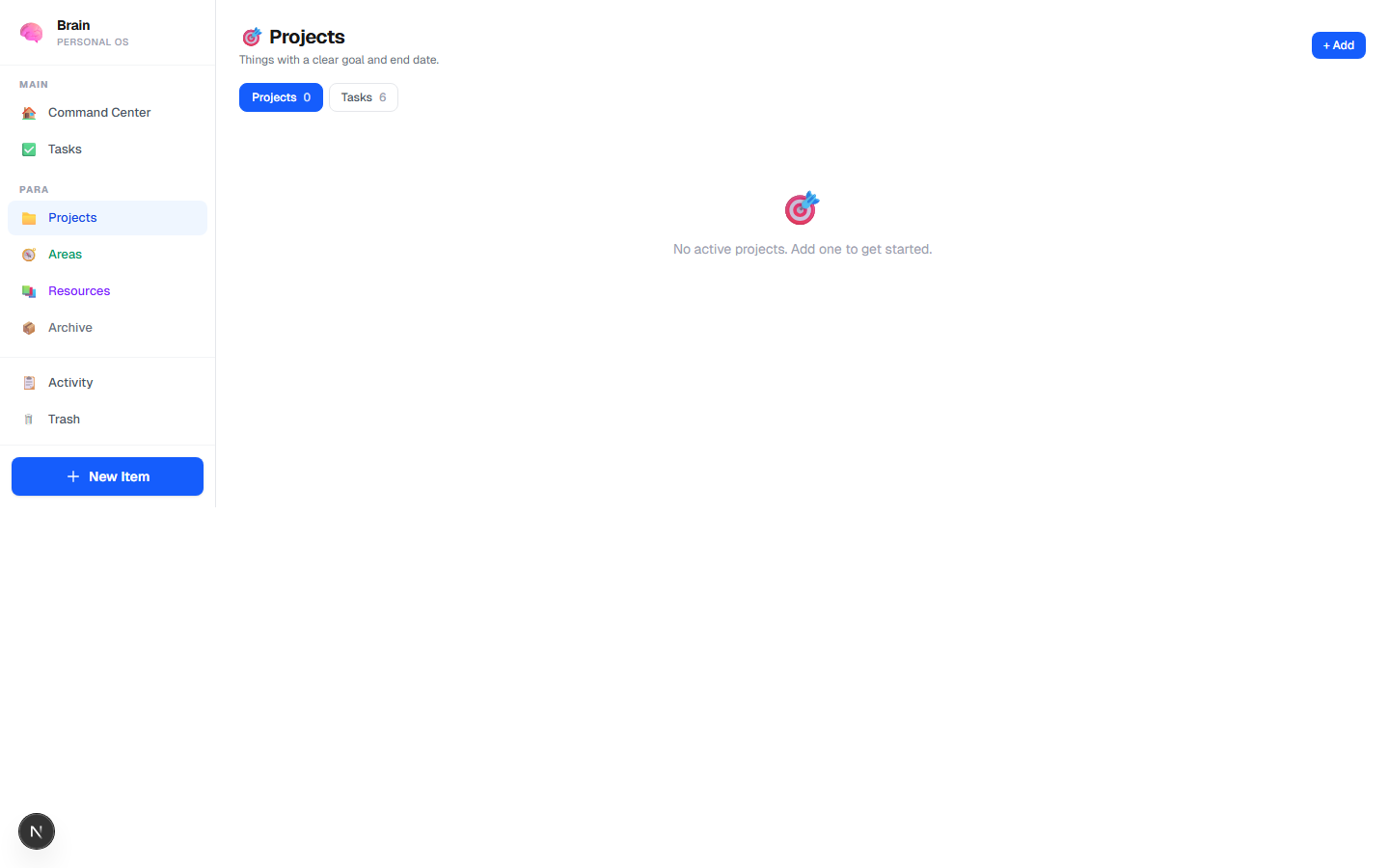
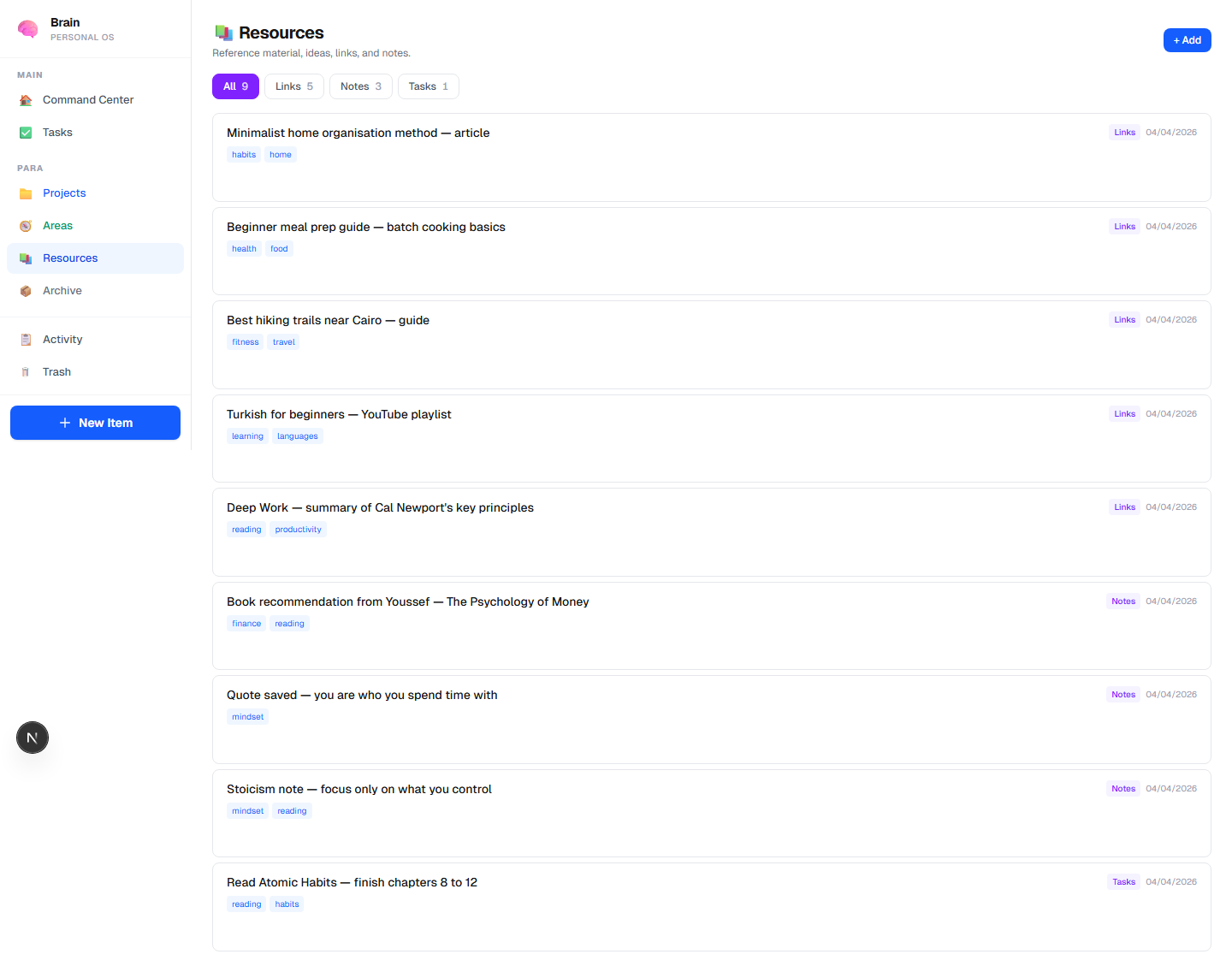
- PARA Views — Projects, Areas, Resources tabs
- Item Detail — full content + metadata + edit
The Core Flow (End to End)
- I capture text or voice in Telegram.
- n8n receives it.
- Whisper transcribes voice when needed.
- GPT-4o-mini classifies and structures the item.
- Item is stored in PostgreSQL.
- Embedding is synced to Pinecone.
?queries retrieve context from Pinecone.- GPT-4o generates the final grounded answer.
- Answer comes back in Telegram (and is available in the dashboard).
That is the whole core system so far ..